Feature 01 · Storefront
Search and results
Every car. Priced live.
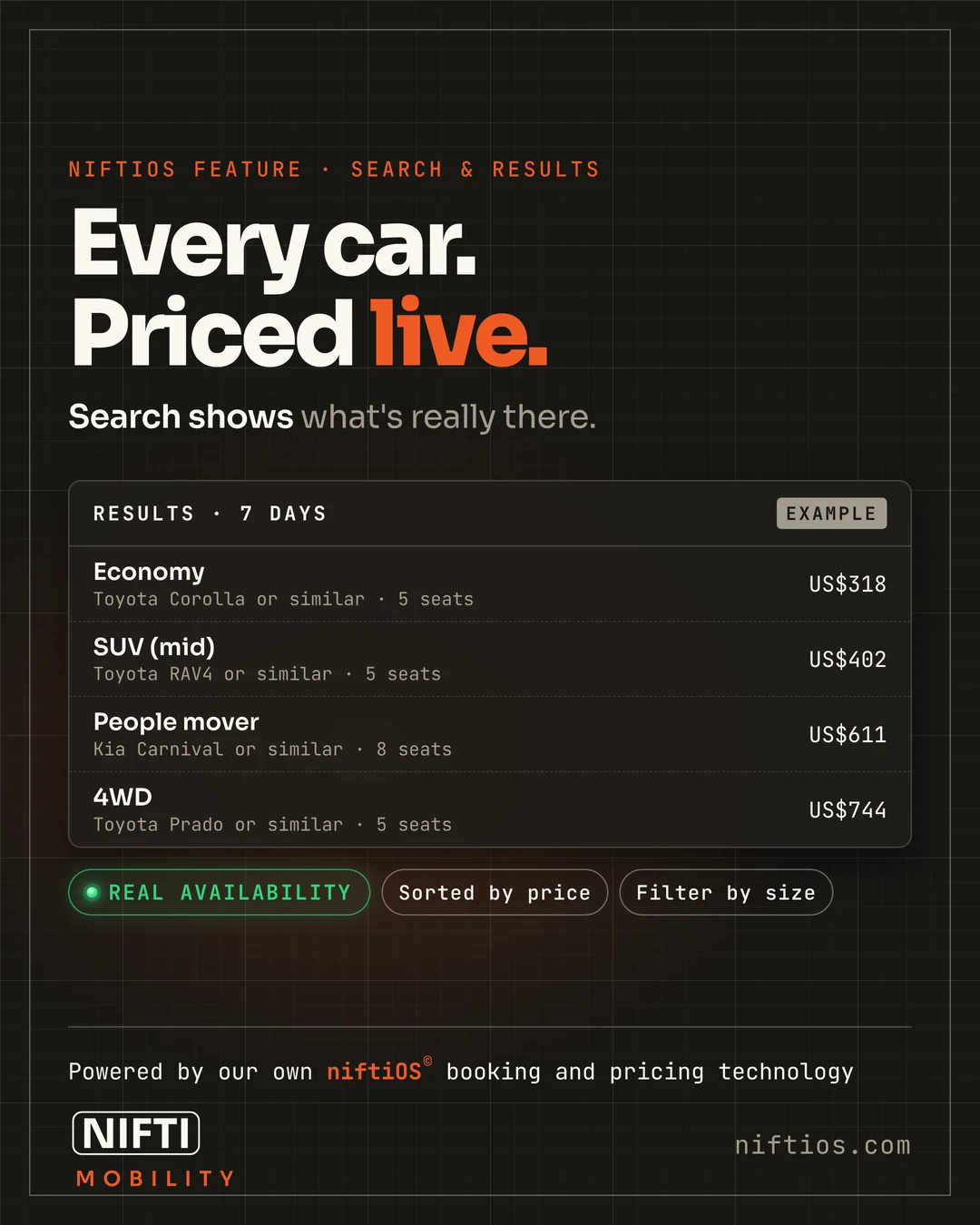
Every car a supplier returns with a rate shows, once it's matched to one of your vehicles. Every car is matched to the supplier's own vehicle code and to your own classes, so the car a traveler books is the car the supplier has. Prices appear in the traveler's own currency, with the cover words they know, deductible or excess.
Results come from the same quote engine your staff use, so a traveler on the site and a caller on the phone get the same price.
How it works
- The traveler picks a place and dates.
- niftiOS asks each connected supplier for live availability and rates.
- Every car with a rate is priced by your rules and shown, in the traveler's currency.
Questions
Do all of a supplier's cars show?
Every supplier car that comes back with a rate and is matched to one of your vehicles displays. A rate that looks like a pricing error is held back.
Can travelers see prices in their own currency?
Yes, from their first visit, and they can switch any time.
See search and results working.
A short demo on a live system, with Sample Rentals data.
Powered by our own niftiOS© booking and pricing technology.